
Last Updated: June 2026 | Reading Time: 7 minutes
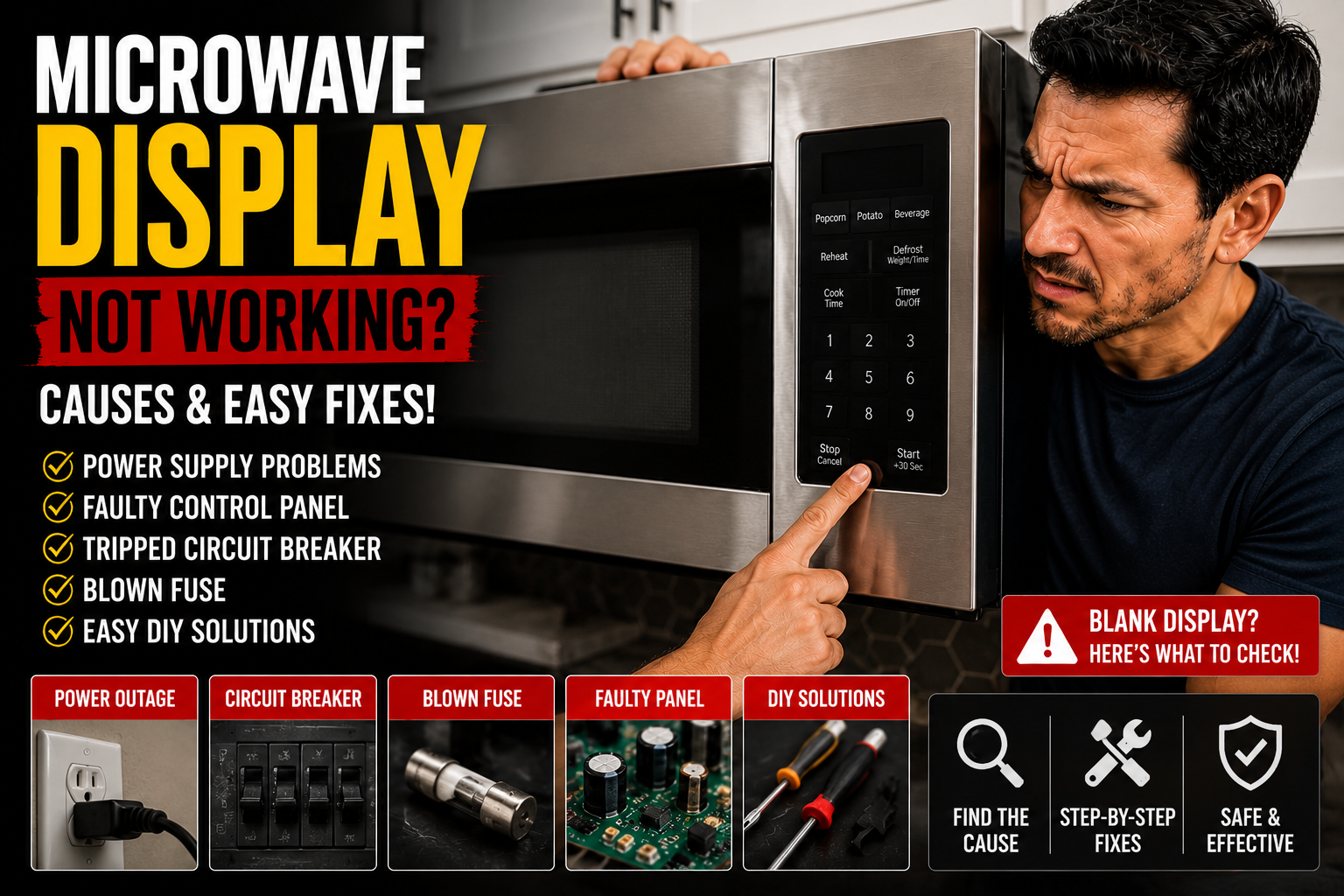
Is your microwave display not working — showing nothing, flickering, or displaying incorrect information? A microwave with a dead or malfunctioning display is confusing and frustrating, especially when you cannot tell if the unit even has power. The good news is that most causes of a microwave display not working are simple to diagnose and fix yourself at home.
In this guide, we’ll walk you through the 6 most common reasons your microwave display is not working and show you exactly how to fix each one.
Quick Diagnosis: What Do You See?
- Display completely blank, microwave seems dead → power supply issue
- Display blank but the microwave still heats when buttons are pressed blindly → display panel or fuse issue
- Display flickers or shows random characters → control board or wiring issue
- Display shows the wrong time or resets constantly → power interruption or control board issue
- Display works but is very dim → failing display panel
- Display shows an error code → check your manual for the specific code meaning
Cause 1: Power Supply Issue — Check This First
Before assuming any internal component has failed, always confirm the microwave is receiving power properly. This is the most overlooked cause of a microwave display not working.

What to check:
- Make sure the microwave is fully plugged into the outlet — push the plug in firmly
- Test the outlet with another appliance — a lamp or phone charger
- Check your home’s electrical panel for a tripped breaker — find the kitchen circuit and reset if tripped
- If the microwave is on a GFCI outlet (common in kitchens), check if the GFCI has tripped — press the reset button on the outlet itself
- Inspect the power cord for any visible damage — cuts, fraying, or burn marks
How to fix it:
- If the outlet has no power, reset the breaker or GFCI
- If the outlet works but the microwave still shows no display, the problem is internal — continue to the next causes
- Never use a damaged power cord — this is a fire and shock hazard
Cost: $0 | Time: 5 minutes
Pro Tip: Many kitchens have GFCI-protected outlets near sinks. If your microwave display suddenly went blank, check the GFCI reset button before assuming the microwave itself is broken — this single check solves a surprising number of “dead” microwave complaints.
Cause 2: Blown Internal Fuse
Microwaves have one or more internal fuses that protect the circuit board and components from power surges. When a fuse blows — often due to a power surge, lightning strike, or an internal short — the display and sometimes the entire microwave stops working.

Signs of a blown internal fuse:
- Display is completely blank with no flickering or partial function
- The microwave does not respond to any button presses
- The problem started suddenly, possibly after a storm or power outage
- You can hear no sound at all when pressing buttons (no beep)
How to fix it:
- Unplug the microwave and wait at least 30 minutes for the capacitor to discharge safely
- This repair requires opening the microwave cabinet — only proceed if you are experienced with microwave safety procedures, as the capacitor stores a dangerous charge
- If you are not comfortable with this, skip to calling a technician
- For those experienced with microwave repair: locate the main fuse near the power cord entry point
- Test with a multimeter — a blown fuse shows no continuity
- Replace with an identical fuse rating ($5–$10 on Amazon — never substitute a higher amperage fuse)
Cost: $5–$10 (part) | Time: Technician recommended for safety
Cause 3: Faulty Display Panel (Membrane Switch)
The display panel — also called the membrane switch or touch panel — is the part of the microwave that shows the time, cooking settings, and responds to your button presses. This component can fail due to age, moisture damage, or simply wearing out after years of use.

Signs of a faulty display panel:
- Display is dim, flickering, or shows partial characters
- Some segments of the display work while others do not (like a digital clock missing certain bars)
- Buttons feel unresponsive or require pressing very hard
- The microwave still heats and runs cycles normally when you can get a button to respond
How to fix it:
- Unplug the microwave
- Access the display panel — usually located behind the front control panel, which is typically held by a few screws
- Disconnect the ribbon cable or wiring harness connecting the panel to the main control board
- Order a replacement display/touch panel for your specific microwave model ($30–$80 on Amazon — search your model number)
- Connect the new panel and reassemble the front control area
- Plug in and test all display functions and buttons
Cost: $30–$80 | Time: 30–45 minutes
For model-specific display panel replacement guides, visit RepairClinic.com and enter your microwave model number.
Cause 4: Faulty Control Board
The main control board is the brain of the microwave — it manages the display, processes button inputs, and controls all cooking functions. When it fails, the display may go completely blank, show random characters, or behave erratically even though the display panel itself is fine.

Signs of a faulty control board:
- Display shows random symbols, flickers randomly, or resets on its own
- Microwave does not respond consistently to button presses
- The microwave clock keeps resetting even without a power interruption
- You have already replaced the display panel and the problem continues
How to fix it:
- First try a hard reset — unplug the microwave for 5 full minutes, then plug it back in
- This simple reset solves a surprising number of erratic display problems by clearing temporary glitches
- If the problem continues after resetting, the control board likely needs replacing ($50–$150 on Amazon — search your model number)
- Control board replacement involves disconnecting multiple wiring harnesses — take photos before disconnecting anything to ensure correct reassembly
- At this price point, compare the repair cost to a new microwave before proceeding
Cost: $50–$150 | Time: Technician recommended
Cause 5: Power Surge or Outage Damage
Power surges from storms, grid fluctuations, or even other large appliances cycling on and off in your home can damage the sensitive electronics in a microwave’s display and control system — sometimes immediately, sometimes with delayed symptoms appearing days or weeks later.

Signs of power surge damage:
- The display problem started right after a thunderstorm, power outage, or flickering lights elsewhere in the house
- The microwave was working normally before the power event
- Other electronics in your home were also affected by the same event
How to fix it:
- Try the hard reset method first — unplug for 5 minutes and plug back in
- If the display remains dead or erratic, surge damage has likely affected the control board or display panel — refer to Cause 3 or Cause 4 above
- Going forward, protect your microwave with a surge protector to prevent future damage
Cost: $0 (reset attempt) or $30–$150 (parts) | Time: 5 minutes to 45 minutes
Pro Tip: Plug your microwave into a dedicated surge protector, especially if you live in an area with frequent storms or unstable power. This single $15–$25 investment can prevent expensive control board and display repairs.
Cause 6: Moisture or Liquid Damage
Spilled liquids, excessive steam from cooking, or cleaning with too much water can seep into the control panel area and damage the display’s internal wiring or circuitry — causing intermittent or permanent display failure.

Signs of moisture damage:
- The display problem started after cleaning the microwave with excessive water
- You recall a liquid spilling near the control panel
- The display flickers or works intermittently, especially in humid conditions
- You can see condensation or water spots near the display area
How to fix it:
- Unplug the microwave immediately if you suspect moisture damage
- Leave the microwave unplugged in a dry area for at least 24–48 hours to allow any moisture to evaporate completely
- Plug it back in and test the display
- If the display has recovered, avoid using excessive water when cleaning in the future — use a barely damp cloth only around the control panel
- If the display does not recover, internal corrosion has likely occurred — the display panel or control board will need replacing
Cost: $0 (drying out) or $30–$150 (parts if damaged) | Time: 24–48 hours wait + repair time if needed
Quick Reference: Microwave Display Not Working
| Cause | Signs | Fix | Cost |
|---|---|---|---|
| Power supply issue | Completely dead, no response | Check outlet, breaker, GFCI | $0 |
| Blown internal fuse | No display, no sound at all | Technician fuse replacement | $5–$10 |
| Faulty display panel | Dim, flickering, partial display | Replace display panel | $30–$80 |
| Faulty control board | Random characters, erratic resets | Reset or replace board | $50–$150 |
| Power surge damage | Started after storm/outage | Reset, then replace if needed | $0–$150 |
| Moisture damage | Started after spill or cleaning | Dry out, replace if needed | $0–$150 |
How to Safely Clean Around a Microwave Display
To prevent moisture-related display problems in the future:
- Always unplug the microwave before cleaning
- Use a barely damp cloth — never a wet or soaking cloth — around the control panel area
- Avoid spraying cleaning solutions directly onto the display — spray onto the cloth instead
- Dry the area immediately after cleaning
- Never use abrasive cleaners or scouring pads on the display panel
Should You Repair or Replace?
| Situation | Recommendation |
|---|---|
| Display panel under $80, microwave under 5 years old | Repair |
| Control board needed, microwave over 7 years old | Replace microwave |
| Repair cost exceeds 50% of new microwave price | Replace microwave |
| Simple fuse or reset fix | Always repair |
A basic countertop microwave costs $60–$150 new — keep this in mind when deciding whether a $150 control board repair makes financial sense.
Prevention Tips
- Plug the microwave into a surge protector
- Clean the control panel with only a barely damp cloth
- Avoid placing the microwave near a sink or area prone to splashing
- Never run the microwave during severe electrical storms if possible
- Keep the area around the microwave dry and well-ventilated
When to Call a Professional
Call a technician if your microwave display is not working and:
- The repair requires opening the cabinet near the high-voltage capacitor
- You have tried a reset and checked the power supply with no improvement
- You suspect the control board has failed
- Your microwave is still under warranty
Final Thoughts
A microwave display not working is most commonly caused by a power supply issue or a simple need for a hard reset — both of which cost nothing and take just minutes to try. Always start with these basic checks before assuming a component has failed. If a display panel or control board replacement is needed, weigh the repair cost against the price of a new microwave, especially for units over 7 years old.
Did this guide help you fix your microwave display? Leave a comment and tell us what caused the problem and which fix worked for you!
Leave a Reply